Payroll export
Prepare approved working-time data for payroll.
How it works
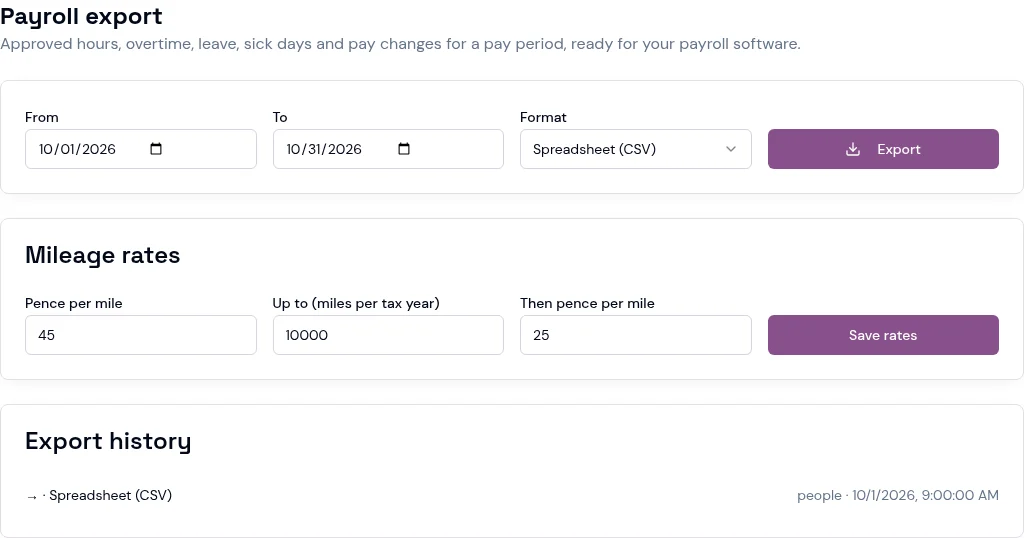
Choose a pay period and the export format.
Bring approved hours, overtime, leave, sick days and pay changes into the export.
Download a spreadsheet or supported payroll format and review it before import; this is an export, not an automatic payroll run.
