Task comments & files
Keep the conversation with the work it belongs to.
How it works
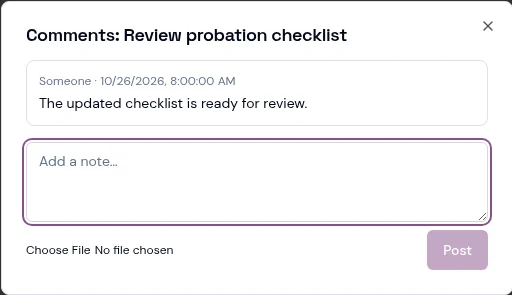
Open comments directly from the task.
Add updates and supporting attachments rather than splitting the history across emails.
Read the discussion alongside the task title and completion status.
